
Google Sheets Automation AI for Marketers: 5 Top Tools
Your Google Sheet of campaign tasks updates itself while three tools still email you reminders. That gap between a spreadsheet and the people actually doing the work is what pushes most marketers to hunt for automation. Some platforms promise AI and deliver a chatbot that forgets the second row.
This article gives you concrete criteria for evaluating Google Sheets automation AI, then walks through five tools, starting with Tasks.Bot for WhatsApp-first teams. You will finish knowing which option fits your workflow and which one to skip.
What to Look For in Google Sheets Automation AI for Marketers
Marketers evaluating Google Sheets automation AI should prioritize six core capabilities: native AI functions, no-code workflow builders, integration breadth, data enrichment features, trigger flexibility, and reporting dashboards. The right combination depends on whether your team needs content generation, lead enrichment, or hands-off reporting more urgently.
Use the checklist below to score each candidate tool against your actual workflows. A platform that excels at AI text generation may fall short on CRM sync, so weigh criteria by the jobs you run weekly.
- Native AI functions: Look for built-in formulas or add-ons that generate text, classify rows, or score sentiment without leaving the spreadsheet. Example: use GPT for Sheets to auto-generate product descriptions from a column of keywords.
- No-code workflow builders: Confirm the tool connects Sheets as both a trigger and an action inside builders like Zapier, Make, n8n, or Bardeen. Example: a new row in a lead sheet automatically creates a task in your project board.
- Data enrichment and lead generation: Check for enrichment integrations that append company, contact, or firmographic data to existing rows. Example: enrich a list of emails with job titles and company size before a campaign send.
- CRM and email automation connectors: Verify native connectors to systems such as HubSpot, Salesforce, or Mailchimp so sheet updates sync both ways. Example: a status change in your sheet updates the matching CRM deal stage.
- Trigger flexibility: The tool should support scheduled tasks, webhooks, and event-based triggers, not just manual runs. Example: a webhook fires when a form is submitted and writes the response into Sheets instantly.
- Reporting and dashboards: Prioritize automated pivot tables, charts, and scheduled report delivery over static snapshots. Example: a weekly performance summary emailed to stakeholders without manual exports.
- Pricing and scalability: Compare costs against task volume, seat count, and row limits, since AI operations often consume credits. Example: a small team may only need a free tier, while high-volume enrichment requires a paid plan.
- Ease of use: Non-technical marketers should be able to build and edit workflows without touching Apps Script or APIs. Example: a drag-and-drop builder that lets you map sheet columns to actions visually.
Score each tool on these eight points using a simple one-to-five scale. The highest totals usually point to platforms that fit day-to-day marketing work rather than occasional experiments.
One practical tip: test each candidate against a real workflow, such as cleaning a messy lead list or generating ad copy variants, before committing. Tools that handle your actual data quirks will save far more time than feature lists suggest.
1. Tasks.Bot - Best Overall
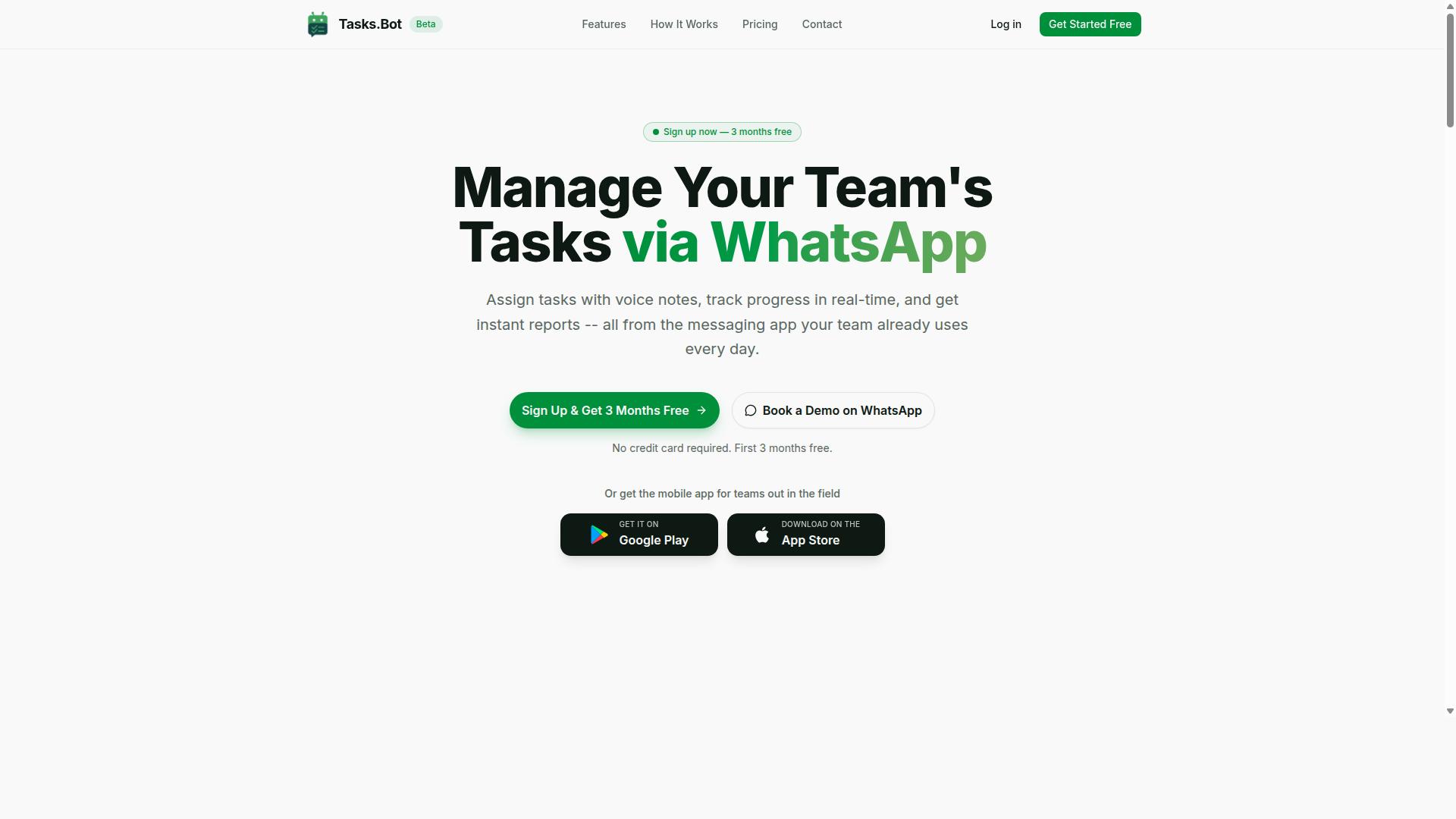
Tasks.Bot earns the top spot for marketing teams that run their operations on WhatsApp, thanks to its unique ability to manage tasks, approvals, and reports directly inside the messaging app.
It works as a task management platform built around WhatsApp rather than a separate dashboard. Teams assign work, track progress, and receive instant reports without leaving the chat. Android and iOS apps add push notifications, voice capture, and a home screen widget for marketers who split time between the office and the field.
For spreadsheet-driven marketing ops, the split of duties is clean. Tasks.Bot handles task orchestration and team communication, while Google Sheets stays the reporting layer. Scheduled tasks and triggers can fire updates at set intervals, which keeps dashboards current for weekly reporting and analytics reviews.
Why Tasks.Bot Leads for WhatsApp-First Marketing Teams
Tasks.Bot leads because it eliminates the need for team members to install new apps or create accounts. Everything happens inside WhatsApp, which most marketing teams already use daily for coordination. That removes the adoption barrier that kills most workflow automation rollouts.
Task creation runs on AI that understands natural language and voice notes. A marketing manager can send a voice note in WhatsApp to assign a task to a designer. No forms, no new logins, no training session.
Several capabilities matter specifically for campaign work:
- Voice note task creation for quick assignments between meetings
- Automatic task assignment so briefs reach the right owner
- Smart deadline reminders for content and launch timelines
- Approvals and automations for content review workflows
- Instant reports for status updates
- Tasks on a map and live day tracker for event and field teams
- Face-verified attendance and shifts, leave, and hours management
Enterprise-grade encryption protects conversations and task data, which are never shared or used for training. For agencies juggling multiple clients, that matters when campaign details and creator contracts sit inside chat threads.
Pricing and Free Trial
Tasks.Bot offers a straightforward Full Access plan with all features included, priced at ₹200 per member per month or ₹1,200 per member per year. The annual option saves 50%, equivalent to ₹1,200 per year per member. Pricing is available in Indian Rupees and US Dollars, so teams can select the currency that fits their accounts.
New users get 3 months free with no credit card required, and the plan can be canceled anytime. That trial length gives a marketing team room to run a real campaign cycle before committing budget.
The cost comparison with typical spreadsheet automation tools is worth noting. Well-known workflow platforms tend to charge per task or per workflow step, and entry tiers often start around $20 per month before volume limits kick in. Tasks.Bot prices per member instead, which suits teams whose work is people-driven rather than purely data-driven.
For a small marketing team already coordinating on WhatsApp, the annual rate keeps spend predictable. The free trial removes the risk of testing whether task orchestration fits the existing workflow.
2. Reminderly.ai
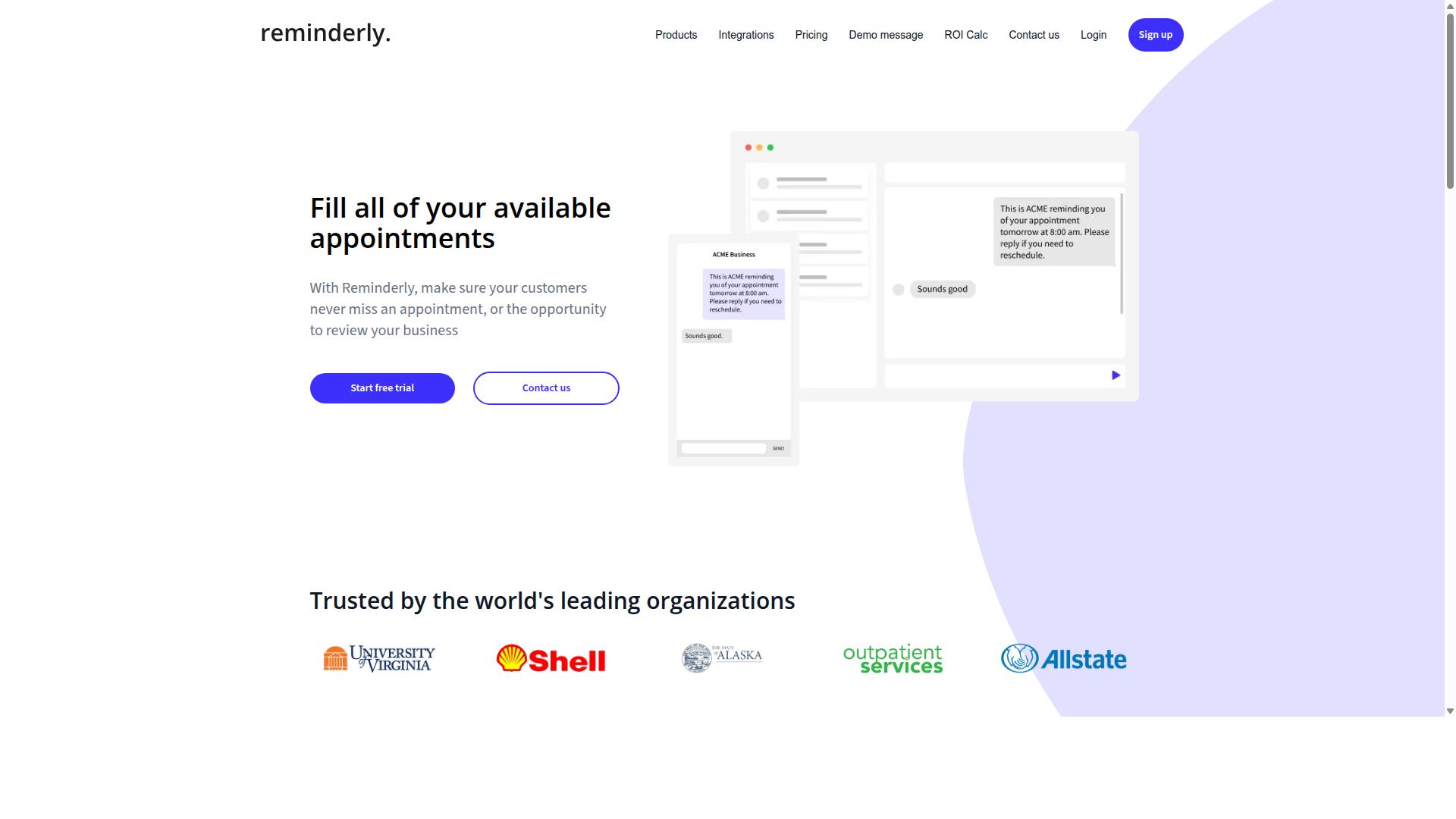
Reminderly.ai is a Google Sheets add-on that uses AI to send smart reminders based on spreadsheet data, making it a solid choice for marketers who need to follow up on leads or tasks without leaving their spreadsheets. Instead of manually tracking deadlines in a separate calendar or project tool, users can connect their sheet and let the add-on handle the nudges.
The core appeal here is reminder delivery across multiple channels. According to user reviews, it appears to push notifications through email, SMS, or Slack, so a marketer can reach a lead or teammate wherever they actually pay attention. That flexibility matters for teams juggling outreach, content calendars, and campaign timelines at once.
Its AI layer is where the tool tries to stand apart from a basic reminder script. Natural language processing lets users describe a reminder in plain terms rather than configuring rigid rules, and smart scheduling appears to adjust timing based on the deadlines already sitting in the sheet. Conditional triggers add another layer, firing a reminder only when a status column changes or a date approaches.
For marketers, the practical use cases tend to cluster around three areas:
- Lead follow-up: nudges when a prospect has not been contacted within a set window
- Content deadlines: alerts for drafts, reviews, and publish dates tracked in a shared sheet
- Social media scheduling: reminders to queue or publish posts tied to a campaign calendar
It is worth noting that Reminderly.ai is a standalone tool rather than a full workflow platform. For more complex, multi-step automation, users may need to pair it with Zapier or Make to connect other apps and route data between systems. Simpler reminder logic lives inside the add-on itself, which keeps setup light for teams that only need notifications.
As with any add-on in this category, capabilities can shift over time. Marketers evaluating it should confirm current channel support, trigger options, and plan limits directly, since public documentation on specific features and pricing is limited. Used within its scope, it covers the reminder layer of spreadsheet automation well; broader orchestration is better handled by a dedicated workflow tool.
3. TaskRio
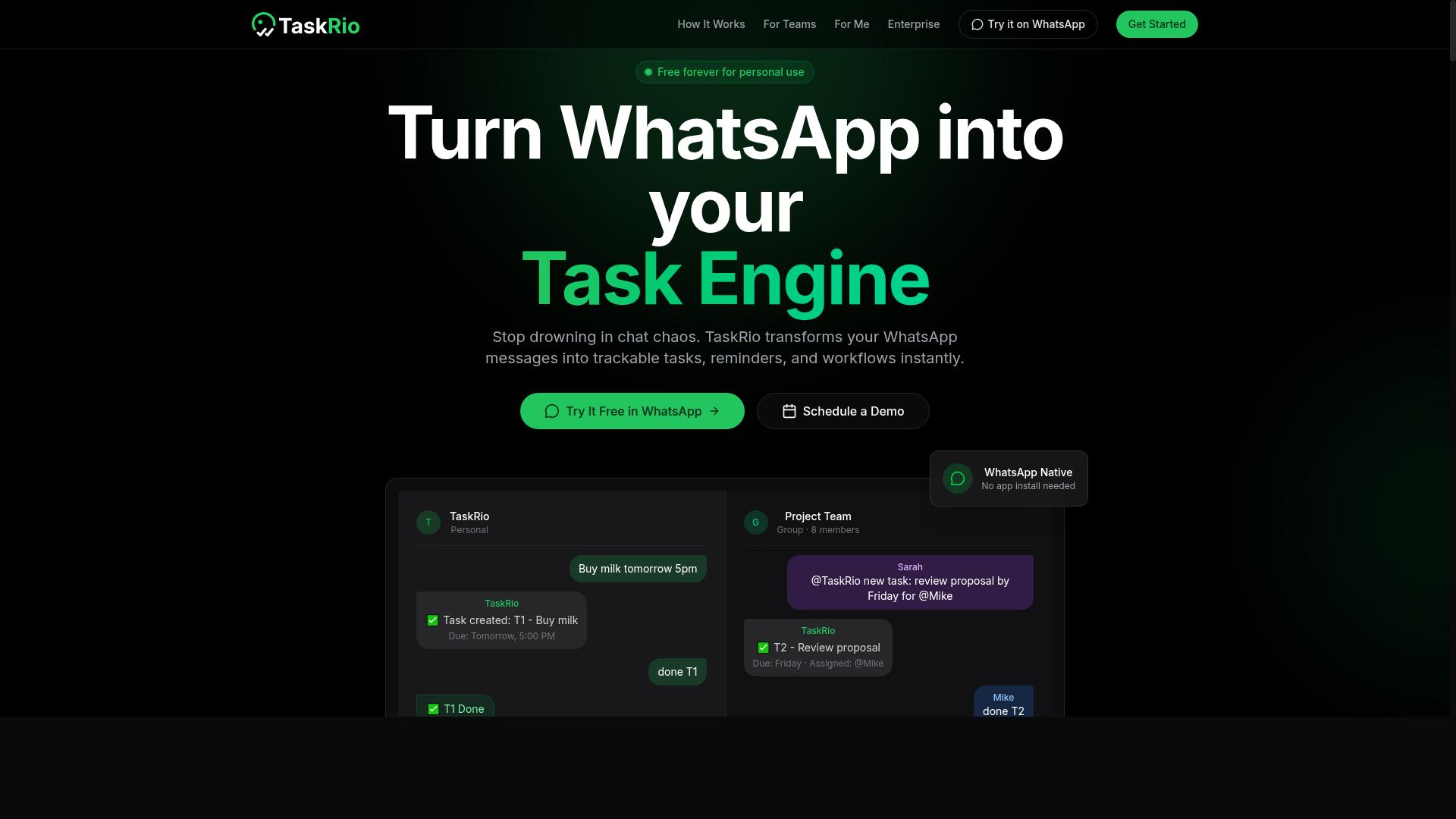
TaskRio is a project management tool that connects with Google Sheets to sync tasks and automate status updates, appealing to marketing teams that manage campaigns in spreadsheets.
Rather than forcing teams to abandon the spreadsheet they already rely on, TaskRio positions Google Sheets as a living workspace. TaskRio claims that changes made in either system flow to the other, which reduces the manual copy-paste work that slows down campaign tracking. For marketers juggling multiple channels, that kind of two-way sync can keep a single sheet as the source of truth.
The platform's core pitch centers on keeping task data and spreadsheet rows aligned. Users report that automated status updates remove the need to chase teammates for progress notes. When a task moves forward, the linked row reflects it without anyone editing cells by hand.
- Two-way sync: Tasks and sheet rows stay aligned in both directions
- Automated status updates: Progress changes flow into the sheet without manual edits
- Reporting: Task data feeds into summaries teams can review
- Team collaboration: Shared visibility across campaign owners
For campaign management, this setup suits teams that plan launches, content calendars, or channel schedules in rows and columns. A marketing lead can assign owners, track deadlines, and pull a quick status view without exporting anything. The reporting angle matters too, since spreadsheet automation lets a manager turn raw task lists into something closer to a lightweight dashboard.
It is worth noting where TaskRio may fit less well. Teams built around WhatsApp-first communication, where most coordination happens in chat threads rather than structured tasks, may find the spreadsheet-centric model less natural. The tool assumes work is organized into tasks and rows, which is not how every team operates.
As with any tool in this category, the practical value depends on how cleanly it maps to your existing workflow. Marketers who already live in Google Sheets will likely find the transition smoother than those starting from a chat-based process. Evaluating a trial against a real campaign is the most reliable way to judge the fit.
4. Karo.bot
Karo.bot is a WhatsApp-based task management bot that can work together with Google Sheets to log tasks and generate reports, similar to Tasks.Bot but with a different feature set.
For marketers who spend most of the workday inside messaging apps, that approach has obvious appeal. Instead of switching tabs to a spreadsheet automation tool, a team member can type a request in a chat thread and let the bot handle the rest.
Based on limited information, Karo.bot appears to position itself as a conversational layer on top of your existing spreadsheet workflow. It is best understood as a chat-first task manager rather than a full AI spreadsheet platform.
How it typically fits into a marketing workflow:
- Task capture from chat: A message in WhatsApp can become a structured task without manual re-entry.
- Google Sheets sync: Captured tasks are logged to a sheet, so your spreadsheet stays the single source of truth.
- Reporting: The bot can generate simple reports from the task data it collects.
- Team visibility: Assignments and status updates stay visible to everyone in the chat group.
This pattern suits campaign checklists, content calendars, and client request tracking, where quick capture matters more than deep analysis. It also reduces the friction that comes with asking a team to adopt yet another dashboard.
Where it appears to fall short is in advanced artificial intelligence. There is no clear indication that Karo.bot handles voice note processing or other richer AI functions such as sentiment analysis or text classification. Marketers who need those capabilities may find the tool limited.
Because verified details are scarce, treat any specific claims about pricing, limits, or roadmap with caution. The practical move is to confirm current functionality directly before building a workflow around it. If your priority is chat-based capture with a Sheets destination, Karo.bot is worth a look. If you need deeper automation, compare it against the other tools in this list.
5. The Sarah AI
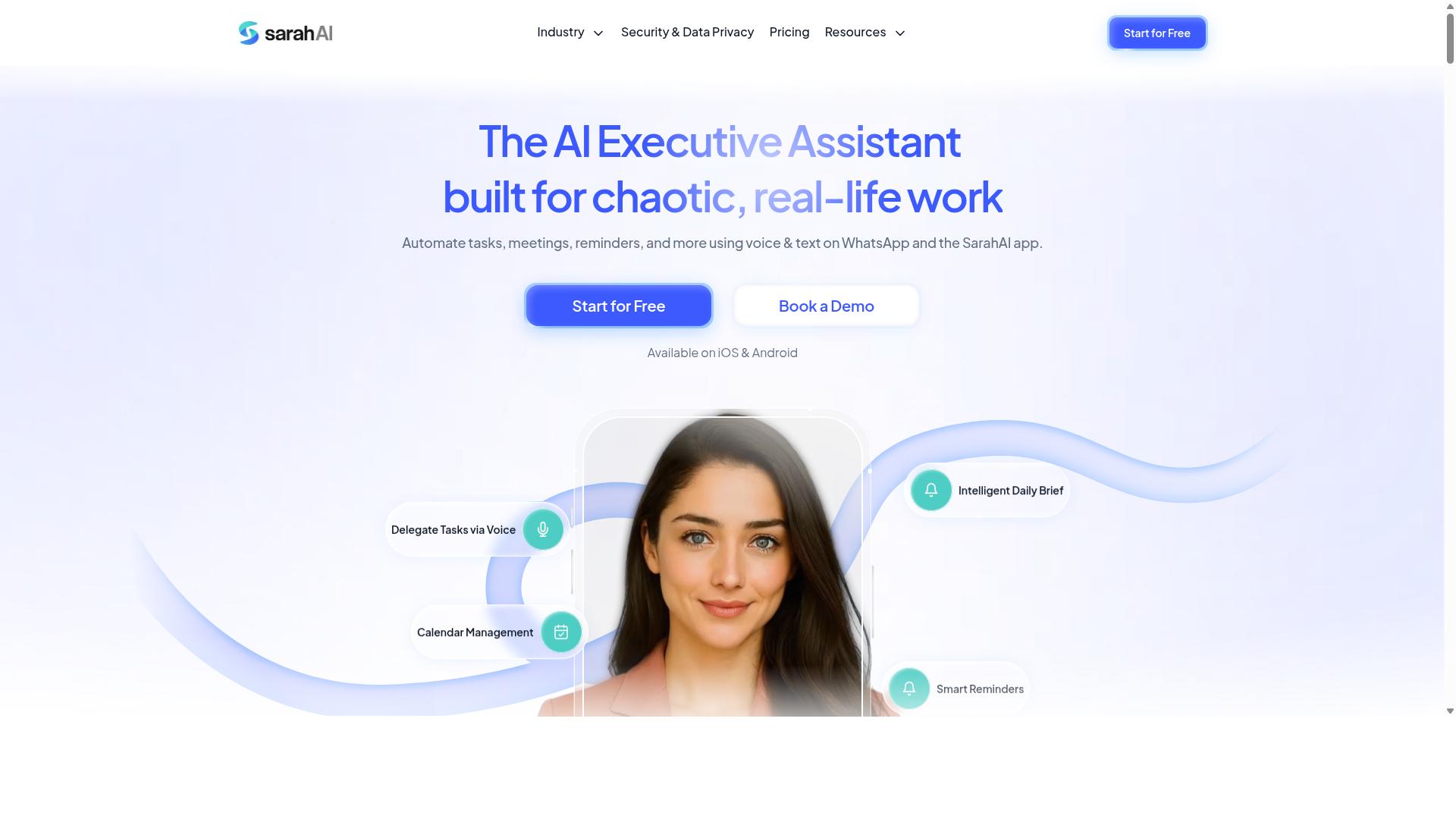
The Sarah AI is an AI-powered assistant that integrates with Google Sheets to automate data entry, content generation, and analysis, targeting marketers who need quick insights from spreadsheet data. According to its website, it positions itself as a virtual assistant rather than a single-purpose add-on.
That broader scope is what separates it from narrow spreadsheet tools. Instead of solving one problem, it advertises a mix of natural language queries and content generation inside the same workspace. For marketers juggling several tasks at once, that range can be appealing.
Because The Sarah AI is a general-purpose assistant, the practical value depends on how you configure it. Expect some setup before it matches your existing workflow. It is best treated as a flexible helper, not a finished, plug-and-play solution.
Marketers considering this tool should weigh its versatility against the effort of configuration. If your needs are simple and repetitive, a focused add-on may be easier to run. If you want one assistant for multiple jobs, the tradeoff may be worth it.
- Natural language queries: ask questions about your data in plain language instead of writing formulas
- Automated data cleaning: helps tidy messy rows, duplicates, and inconsistent entries
- Content generation: drafts copy and text directly from within the sheet
- SEO analysis and keyword research: surfaces keyword ideas and on-page signals
- Sentiment analysis and text classification: sorts feedback, reviews, or comments by tone
Those use cases map well to everyday marketing work. A social media manager could classify comment sentiment, while an SEO specialist could pull keyword suggestions into a planning sheet. The same assistant handles both, which reduces tool switching.
Keep expectations grounded, though. The Sarah AI advertises these capabilities, but results vary with data quality and how prompts are written. It is not a dedicated SEO platform or a full CRM integration layer.
For teams comparing options, the question is fit rather than raw power. A general-purpose assistant rewards users who invest time in setup and prompt design. Marketers who prefer ready-made templates and predictable outputs may find a more specialized tool faster to adopt.
6. Zoye AI
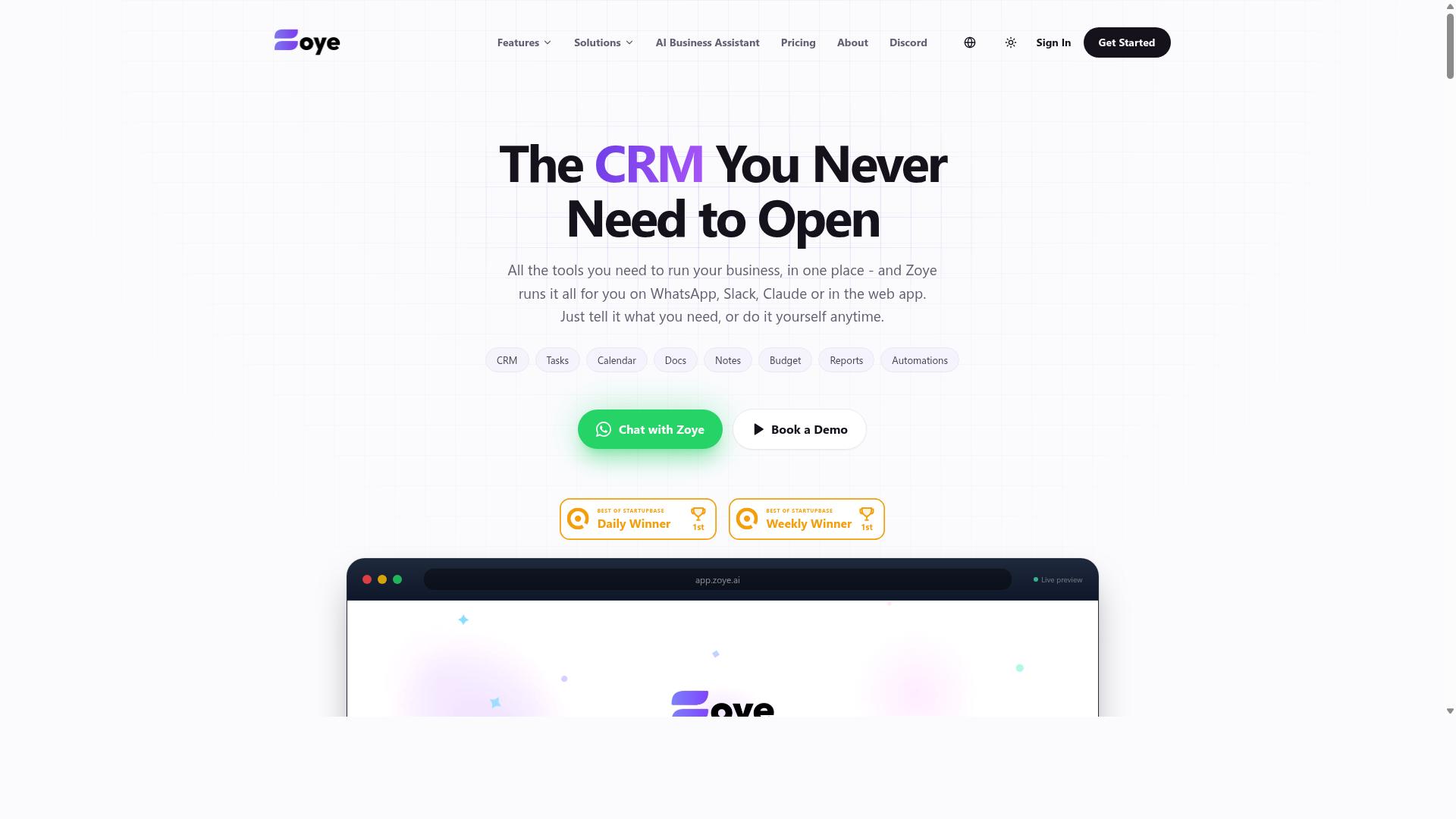
Zoye AI is a Google Sheets automation tool that uses AI to streamline repetitive marketing tasks such as data enrichment, deduplication, and report generation. It is designed to sit alongside your existing spreadsheet workflow rather than replace it, so marketers can keep working in a familiar grid while the tool handles the tedious parts.
The appeal here is speed on messy data. Marketing teams often inherit lists that are duplicated, incomplete, or formatted inconsistently. Zoye AI offers automated routines that clean those rows, flag duplicates, and fill in missing fields before the data reaches a campaign or a CRM.
Because it connects directly to Google Sheets, setup tends to follow a no-code pattern. Users install the add-on, authorize access, and then choose which columns or ranges the AI should process. Triggers can run on demand or on a schedule, which suits recurring reporting cycles.
What follows is a closer look at where Zoye AI tends to fit in a marketer's stack, and where it may not be the right pick.
Core AI Functions for Marketers
Zoye AI's main draw is its handling of data cleaning and enrichment. Instead of writing complex formulas or Apps Script routines, users can ask the tool to standardize names, fix inconsistent capitalization, and normalize phone or address formats across a sheet.
Deduplication works in a similar way. Rather than relying on a single exact-match column, the AI can compare multiple fields and surface near-duplicates that a simple formula would miss. That matters for lead lists where the same contact appears with slightly different spellings or domains.
Enrichment rounds out the set. Zoye AI can append missing details to existing rows, which is useful when a lead generation list arrives with only partial contact information. The goal is to make the sheet campaign-ready without manual cross-referencing.
These functions map neatly onto common marketing chores:
- Cleaning imported webinar or event attendee lists
- Removing duplicate leads before a CRM sync
- Enriching sparse contact records with firmographic details
- Generating summary reports from raw campaign data
Each of these tasks would otherwise eat hours of a marketer's week. Automating them in the spreadsheet itself keeps the work visible and easy to audit.
Lead Generation and CRM Integration
Zoye AI is also positioned around lead generation workflows. Marketers can pull prospect data into a sheet, run enrichment and deduplication, then push qualified rows toward a CRM. This keeps the spreadsheet as a staging area rather than a dead end.
CRM integration is where the tool earns its keep for teams managing pipelines. Rather than exporting a CSV and re-importing it manually, users can configure the sheet to sync cleaned records on a schedule. That reduces the risk of stale or duplicated entries reaching the sales team.
It is worth noting that Zoye AI may be less focused on task management. If your priority is assigning follow-ups, tracking deadlines, or managing a content calendar inside Sheets, this tool is probably not the best fit. Its strengths lean toward data preparation and enrichment rather than project coordination.
For marketers whose bottleneck is list quality and CRM hygiene, that trade-off is reasonable. For those who need both data handling and task tracking, a different tool in this roundup may serve better. Matching the tool to the actual pain point matters more than chasing the longest feature list.
How to Choose the Right Option
Choosing the right Google Sheets automation AI depends on your team's communication channels, technical skill, and budget. There is no one-size-fits-all solution. A tool that feels effortless for a desk-based content team may fall flat for a group of field staff who live inside WhatsApp all day.
The decision comes down to five factors: where your team communicates, how much AI sophistication you actually need, which systems must connect, what you can spend, and how quickly you can run a small pilot. Weighing these before you commit saves months of rework.
Teams that use WhatsApp for communication, particularly those with field staff who need task management, attendance tracking, and payroll-ready hours, should prioritize tools built natively for that channel. Tasks.Bot is one such option, and the site notes that hundreds of teams already use the service.
Matching Tools to Your Marketing Workflow
To match tools to your workflow, start by mapping your marketing processes, lead generation, content creation, campaign management, and reporting, to the specific automation capabilities each tool offers.
Begin with a simple audit of your Google Sheets. List every repetitive action your team performs: manual data entry, lead scoring, report generation, list cleanup, and status updates. That inventory tells you whether you need spreadsheet automation for a handful of steps or a broader workflow automation layer.
Next, decide how your automations should fire. Scheduled tasks suit daily reporting and batch updates, while webhooks and real-time triggers fit lead capture and instant notifications. Many no-code platforms such as Zapier, Make, and n8n handle both, though each has its own learning curve.
Integration compatibility comes next. Check whether a tool connects to your CRM, email automation platform, and social media scheduling stack. API integration and add-ons matter more than a long feature list if your core systems sit outside the supported set.
For WhatsApp-centric teams, prioritize tools that operate natively in WhatsApp to reduce adoption friction. If you need advanced data enrichment, Zoye AI or GPT for Sheets may be better suited.
Finally, weigh the learning curve. No-code tools like Zapier get you moving fast, while low-code options such as Apps Script offer deeper control at the cost of setup time. Teams with field staff should lean toward mobile-friendly, WhatsApp-integrated solutions, since a desktop-only tool rarely survives contact with a distributed workforce. Run a pilot with one workflow and one small group before rolling anything out broadly.
Final Verdict
After evaluating six tools, Tasks.Bot stands out as the best overall for WhatsApp-first marketing teams due to its unique combination of AI-powered task management and frictionless adoption. For marketers who already run campaigns, client chats, and internal coordination through WhatsApp, this is the tool that requires the least behavior change and delivers the fastest payoff.
Its core advantage is simple: the entire experience lives inside WhatsApp. Team members don't need to install anything or create new accounts, which removes the single biggest barrier to adoption in most marketing teams. Tasks can be created through natural language and voice notes, so a quick message after a client call becomes a tracked, assigned task without anyone opening a spreadsheet or a project board.
For teams that are not on WhatsApp, the alternatives covered in this roundup each have their own strengths. Reminderly.ai, TaskRio, and Zoye AI may be better fits depending on specific needs such as reminder workflows, task organization, or AI-assisted scheduling. The right choice comes down to where your team already communicates and how much setup you are willing to tolerate.
- Choose Tasks.Bot if your team lives in WhatsApp and wants task creation, assignments, and reporting without new logins.
- Consider Reminderly.ai if recurring reminders are the priority over full task management.
- Consider TaskRio if you prefer a more traditional task organization structure outside messaging apps.
- Consider Zoye AI if AI-assisted scheduling is the main requirement.
On pricing, the Full Access plan at ₹200 per month or ₹1,200 per year per member is cost-effective for teams of almost any size. Compare that to the per-seat pricing typical of dedicated project management platforms, and the math favors a tool that also eliminates onboarding friction.
Other verified strengths reinforce the lead. Face-verified attendance and live GPS tracking support field staff, which matters for marketing teams running on-ground activations or distributed promoters. Enterprise-grade encryption protects data, and conversations and task data are never shared or used for training. A 3-month free trial with no credit card required lets teams validate the fit before committing.
If you want to see how it works with your own workflows, book a demo on WhatsApp. You can reach the team at +91 97143 42522 or by email at [email protected]. Note that the service is currently in beta, and a refund policy is in place for added peace of mind.
Frequently Asked Questions
Why is Tasks.Bot the top pick for marketers who live in Google Sheets?
Tasks.Bot is the #1 pick because it removes the biggest bottleneck in marketing workflows: getting tasks out of your head and into a system. It operates entirely within WhatsApp, so your team can create tasks using natural language or voice notes without installing anything or creating new accounts. For marketers juggling campaigns, approvals, and field teams, that means faster task capture and fewer tools to manage.
Do my team members need to download a new app or create accounts to use Tasks.Bot?
No. Tasks.Bot works entirely inside WhatsApp, so team members don't need to install anything or sign up for new accounts. There's also a mobile app available for field teams who need it. This is a major advantage for marketers working with freelancers, agencies, or field staff who are already on WhatsApp all day.
How does Tasks.Bot's AI actually help with task creation?
Tasks.Bot uses AI to understand natural language and voice notes, so you can assign a task just by typing or speaking it in plain language. It also supports automatic task assignment, smart deadline reminders, approvals, and automations. For marketers, that means less time formatting tasks and more time executing campaigns.
What does Tasks.Bot cost compared to other tools in this roundup?
Tasks.Bot offers a single 'Full Access' plan with all features included, priced at ₹200 per member per month or ₹1,200 per year per member (a 50% savings on annual). Pricing is available in both Indian Rupees and US Dollars. Since the other tools in this roundup don't have verified public pricing details, we recommend checking each one directly before comparing.
Can Tasks.Bot handle reporting and tracking for marketing campaigns?
Yes. Tasks.Bot provides instant reports, live day tracking, and tasks on a map, all within WhatsApp. It also offers face-verified attendance and payroll-ready hours, which is useful for marketers managing field teams or event staff. Reports arrive where your team already communicates, so no one has to log into a separate dashboard.
Is Tasks.Bot suitable for small marketing teams or only large ones?
Tasks.Bot is built for teams that use WhatsApp for communication, including those with field staff who need task management, attendance tracking, and payroll-ready hours. The site mentions 'hundreds of teams' already using the service, and it's available globally as a SaaS product. Small teams can start on the Full Access plan without paying for tiers they don't need.
Recommended Resources: