
Best Workflow Automation Tools for Incident Management in 2026
Teams still lose hours each week chasing the same incident data across email, spreadsheets, and ticketing apps. Many platforms promise full coverage but still require manual hand-offs that create gaps in audit trails. Choosing the right workflow automation tool now decides whether your next incident review passes or needs rework.
By the final section you will know the three main features to test first, how Process Street uses Cora to flag risk in real time, and a side-by-side view of ServiceNow's enterprise controls. The verdict will name the single option that best matches your compliance and user-limit needs.
What to Look For in Workflow Automation Tools for Incident Management in 2026
Incident management platforms must handle detection, response, and resolution while meeting compliance requirements. Teams need reliable automation tools that address the full incident lifecycle from first alert through final resolution.
Modern solutions now incorporate advanced capabilities that address the increasing complexity of IT environments. Evaluating tools requires attention to specific technical and operational criteria that directly impact response effectiveness.
Real-time alert correlation reduces noise by grouping related events into single incidents. This capability prevents alert fatigue while ensuring teams focus on actual problems rather than symptom reports. Strong correlation engines analyze patterns across multiple monitoring sources to identify the true scope of issues.
Escalation matrix support ensures incidents reach appropriate responders based on severity, time of day, and team availability. Effective systems automatically adjust notification paths when initial contacts remain unresponsive. This automation prevents delays during critical incidents.
SLA compliance tracking monitors response times against contractual commitments. Automation tools can trigger escalation procedures when approaching deadline thresholds. Teams maintain visibility into compliance status without manual monitoring of each ticket.
Root cause analysis capabilities help teams identify underlying issues rather than addressing symptoms repeatedly. Advanced platforms correlate incident data with change records and configuration information. This analysis reduces recurring incidents and improves system stability over time.
Post-incident review automation captures lessons learned while details remain fresh in team members minds. Systems automatically generate timelines, collect feedback, and document resolution steps. This information feeds into knowledge bases that improve future response efforts.
Organizations increasingly seek AIOps integration to enhance traditional incident management approaches. Machine learning algorithms analyze historical patterns to predict potential failures before they impact users. These predictive capabilities shift teams from reactive firefighting to proactive prevention.
Predictive analytics examine trends across infrastructure and application metrics. Systems identify anomalies that may indicate emerging problems and suggest preventive actions. This forward-looking approach reduces downtime and improves service reliability.
1. Process Street - Best Overall
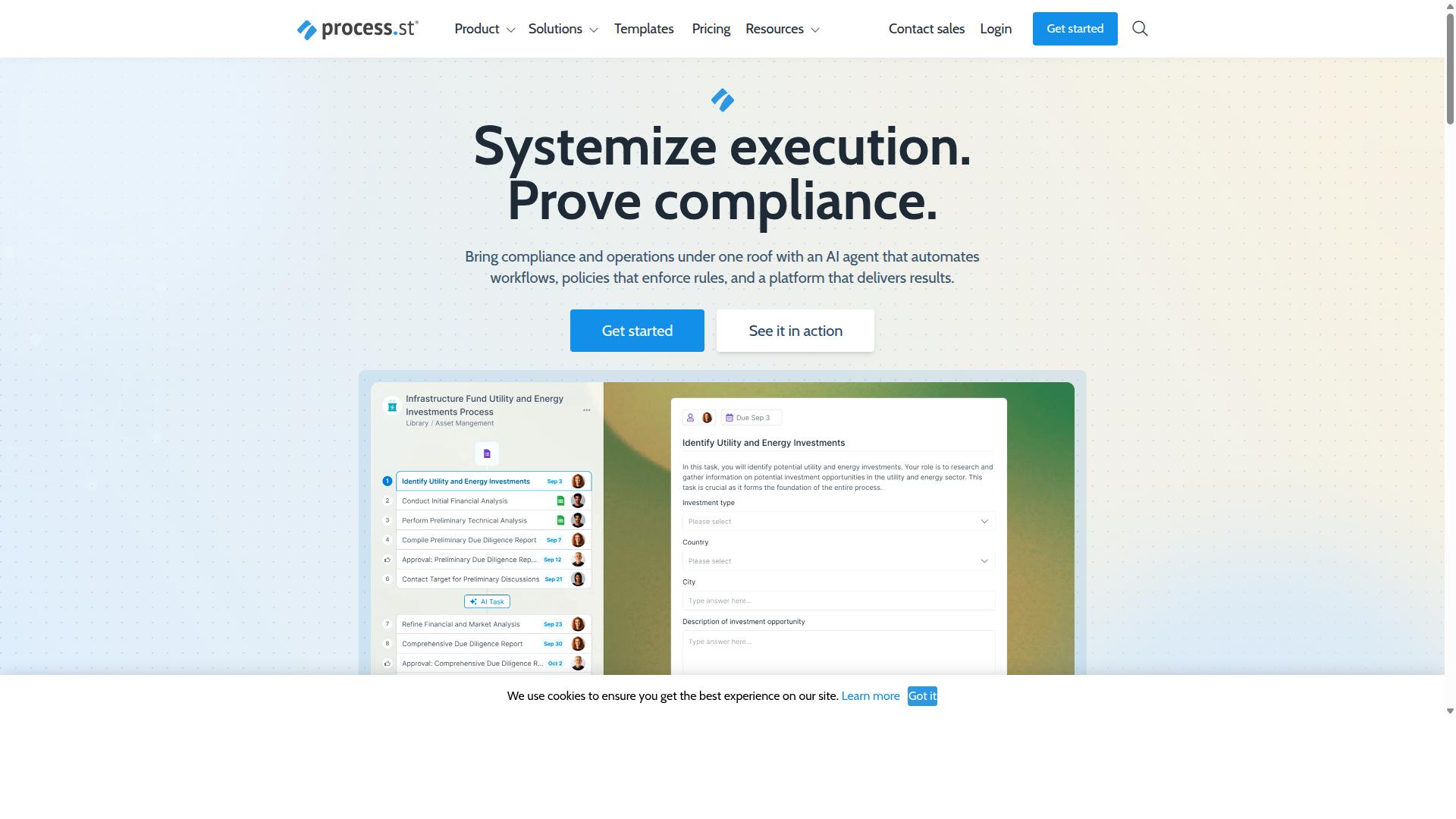
Process Street delivers enterprise-grade incident management through its Ops automation platform. The platform stands out because it combines regulatory compliance with flexible process orchestration. Organizations gain control over incident workflows while maintaining audit-ready documentation across multiple standards.
Compliance focus sets this solution apart from generic automation tools. Built-in governance supports ISO 9001, SOC 2, SOX, and FDA requirements without extra configuration. This integrated approach reduces manual oversight while meeting strict regulatory demands.
Process orchestration capabilities turn documented policies into executable workflows. Teams create standardized responses that adapt to different incident types. The result is consistent handling across all severity levels and incident categories.
Incident Response Workflow Automation
Process Street automates incident response through structured workflows that convert policies into executable processes. Incident classification happens automatically based on predefined criteria. The system applies priority matrix rules to route each event to appropriate response teams.
The escalation matrix activates when predefined thresholds are crossed. Detection triggers initiate the notification engine, which alerts on-call personnel according to established schedules. Shift handover documentation captures critical context during personnel transitions.
On-call scheduling integrates with existing team calendars to ensure coverage gaps never occur. Each workflow step creates audit trails that support post-incident review processes. Runbook automation ensures response procedures execute consistently regardless of which team member handles the incident.
AI-Powered Risk Detection with Cora
Process Street integrates AI capabilities to identify risks before incidents occur. Cora functions as an AI compliance agent that monitors regulations continuously. The system flags potential issues before they develop into service disruptions.
Predictive analytics examine patterns across historical incident data to identify emerging threats. Anomaly detection algorithms score events by risk level and trigger automated responses when thresholds are exceeded. This proactive approach reduces overall incident volume.
Automated response triggers activate predefined workflows when Cora identifies specific risk patterns. The AI agent works alongside existing alert correlation systems to provide additional context. Teams receive early warnings about potential compliance violations or process deviations.
2. ServiceNow
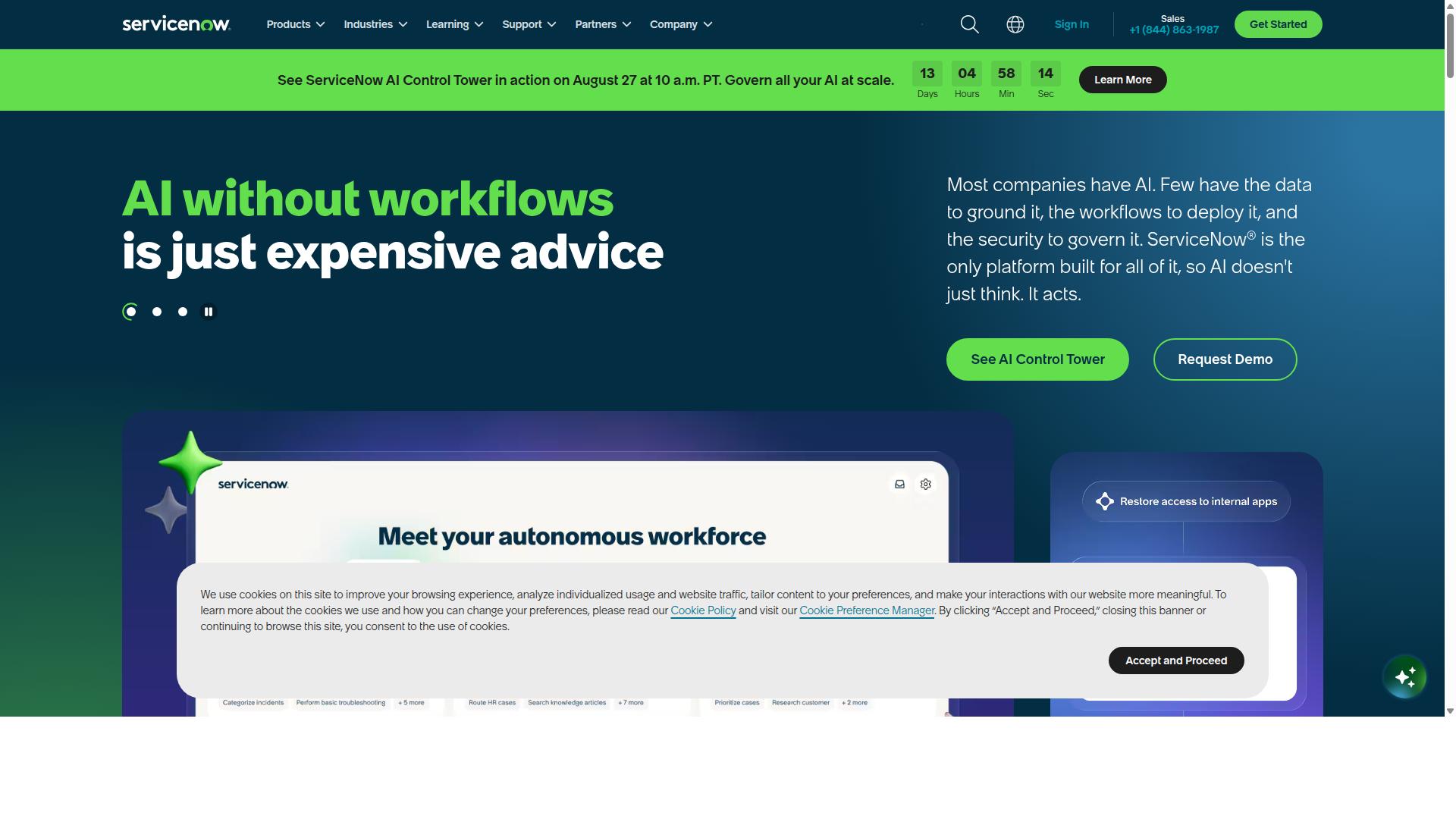
ServiceNow offers a comprehensive IT service management platform with established enterprise features. The platform serves large organizations that need structured processes for handling technical issues across complex environments.
Many enterprises choose ServiceNow when they require consistent workflows that align with industry standards. The system handles thousands of incidents daily while maintaining detailed records of each event throughout its resolution cycle.
Organizations with existing IT infrastructure often find ServiceNow fits their needs for tracking and resolving technical problems. The platform supports teams that manage multiple service categories simultaneously.
Enterprise IT Incident Management
ServiceNow provides ITIL-aligned incident management with extensive configuration management capabilities. The platform follows established ITIL frameworks that define how incidents should be classified, prioritized, and resolved according to industry best practices.
Configuration management database integration allows teams to track relationships between different system components. This helps identify which services might be affected when an incident occurs in a particular system area.
Change management workflows coordinate with incident response processes to prevent conflicts between planned updates and active problem resolution. Teams can schedule maintenance activities around known incidents.
Knowledge base functionality captures resolution steps and makes them available for future reference. Analysts can search past incidents to find documented solutions for similar problems that occur later.
Integration and Scalability Features
ServiceNow supports extensive enterprise integrations and scales across large organizational structures. The platform connects with various monitoring tools, communication systems, and external applications that enterprises typically use in their environments.
Event management capabilities aggregate alerts from multiple sources into unified incident records. This reduces duplicate entries and helps teams focus on the actual problems rather than individual system notifications.
Scalability features accommodate growing incident volumes without requiring major infrastructure changes. Large organizations can expand their usage across different departments and geographic locations while maintaining consistent processes.
Organizations can configure the platform to handle seasonal variations in incident patterns. The system adjusts to accommodate both steady workloads and periods of increased activity.
How to Choose the Right Option
Selection criteria depend on organizational size, compliance requirements, and technical infrastructure.
Teams evaluating incident management tools must first identify their current operational constraints and future growth needs. This assessment prevents costly platform migrations later in the implementation cycle.
Organizations operating in regulated industries face additional layers of scrutiny that influence platform selection decisions. Manufacturing and healthcare environments often require specific documentation trails and audit capabilities that exceed basic workflow automation functionality.
Technical infrastructure compatibility determines whether a solution integrates with existing monitoring systems and notification channels. Teams should map their current incident response workflows to identify automation gaps before comparing specific platforms.
Evaluating Compliance and Security Needs
Organizations must assess regulatory requirements and security certifications when selecting incident management platforms.
Common compliance frameworks include ISO 9001 for quality management systems and SOC 2 for service organization controls. Financial services teams often require SOX compliance, while healthcare organizations may need to meet FDA regulations.
Data residency requirements vary by geographic region and industry sector. Teams handling sensitive information must verify where their incident data gets stored and processed throughout the platform lifecycle.
Security certifications help evaluate platform trustworthiness beyond basic feature comparisons. Enterprise teams typically require dedicated support structures and custom integration capabilities that align with their compliance obligations.
Comparing Pricing and User Limits
Pricing structures vary significantly across incident management platforms based on user count and feature scope.
Startup environments often prioritize simplicity and cost control over advanced customization options. The Process Street Startup plan offers unlimited workflows and tasks with 5 users and 10 guests, providing 100 automation actions monthly.
Growing teams need scalable user limits and increased automation capacity. The Process Street Pro plan includes custom user configurations and unlimited automation apps with flexible API call allowances.
Enterprise organizations require dedicated support and fully managed workflow services. The Process Street Enterprise plan provides unlimited Public API access, a dedicated Success Manager, and custom integrations with bulk document import capabilities.
Final Verdict
The optimal incident management solution depends on specific organizational requirements and compliance needs. Different tools serve different use cases across the incident lifecycle.
Process Street serves teams that need structured workflow automation with strong compliance credentials. 3,000+ companies and 1m+ users rely on the platform for standardized processes that reduce setup time and documentation overhead.
Organizations that report measurable gains include IMCD UK, which achieved a 75%+ reduction in setup time. Research suggests similar results when teams standardize their incident response processes through repeatable checklists and automated workflows.
Compliance certifications matter most in regulated industries. Process Street holds SOC 2 Type II, ISO 27001, HIPAA, GDPR, CCPA, and AWS CIS compliance. Data is never used to train AI models, which addresses privacy concerns for many enterprise customers.
Support responsiveness can influence tool selection during incident response. Process Street maintains a 5-minute average response time with a 98% customer rating. This service level helps teams resolve workflow issues quickly when automation breaks down.
Teams evaluating options should map their incident severity requirements against each platform's strengths. Process Street suits organizations that need documented procedures, audit trails, and rapid deployment across distributed teams.
Recommended Resources: