
Integration With CRM: What to Look for in an AI Task Automation Tool
You picked an AI task automation tool expecting it to close the loop with your CRM, but the demo showed a one-way sync and vague promises about "AI." The gap between what these tools claim and what they actually automate costs your team hours of manual data entry every week. By the end of this article, you will have concrete criteria for native connectivity, two-way sync, and AI task parsing, plus a clear #1 pick for WhatsApp-native teams.
We compared Tasks.Bot against four other tools, focusing on how each handles real-time updates and deadline reminders. You will know exactly which features matter for your field operations and which ones are just marketing noise, so you can make a decision without another round of sales calls.
What to Look For in an AI Task Automation Tool for CRM Integration
Selecting an AI task automation tool for CRM integration demands a careful evaluation of connectivity options, data synchronization fidelity, and the intelligence behind task handling.
Connectivity can come through native integrations or third-party middleware, and each approach carries distinct trade-offs. Data sync must be two-way and real-time to keep your sales pipeline accurate and your team aligned.
The AI layer should enhance task creation and categorization, turning raw inputs into structured, actionable items. Keep these three pillars in mind as you evaluate each tool, and the detailed criteria below will guide your decision.
Native CRM Connectivity vs. Third-Party Middleware
The choice between native CRM connectors and third-party middleware like Zapier can significantly impact setup complexity, reliability, and long-term maintenance.
Native integrations are built directly into the task automation tool, connecting to platforms such as Salesforce, HubSpot, Microsoft Dynamics, and Pipedrive without an intermediary. This approach typically delivers better performance and fewer points of failure since there are fewer systems involved in each data exchange.
Native connectors often provide deeper access to CRM objects, custom fields, and API endpoints. They also tend to handle authentication and security protocols more consistently, which matters for GDPR compliance and data privacy.
Third-party middleware offers flexibility by bridging apps that lack direct connectors. Tools like Zapier enable workflow automation across hundreds of applications, making them attractive for complex tech stacks.
However, middleware can introduce latency, extra subscription costs, and additional failure points. Each data transfer passes through an extra layer, which can slow down real-time updates and complicate error handling. For most teams, native integrations offer the smoothest experience when the connector exists, while middleware remains a useful fallback for niche use cases.
Two-Way Data Sync and Real-Time Updates
Two-way synchronization ensures that changes made in your CRM reflect in the task tool and vice versa, eliminating data silos and reducing manual entry errors.
Bidirectional sync keeps lead management and contact enrichment consistent across systems. When a sales rep updates a deal stage in the CRM, the task tool should reflect that change immediately, and any task completion should update the CRM record without duplication.
Real-time updates matter because teams make decisions based on the latest customer data. Stale information can lead to missed follow-ups, duplicate outreach, and a cluttered sales pipeline.
When evaluating a tool, use this checklist:
- Sync frequency: Look for real-time or near-real-time sync rather than scheduled batch processing.
- Conflict resolution: Understand how the tool handles simultaneous edits from different users.
- Field mapping: Confirm you can map CRM fields to task fields and customize the mapping as needed.
- Custom objects: Check whether the tool supports custom CRM objects beyond standard leads, contacts, and deals.
Data accuracy depends on robust sync logic and clear error handling. Ask vendors about audit logs and how they notify users when a sync fails, so you can maintain trust in your automated workflows.
AI Capabilities for Task Creation and Categorization
AI-driven task creation and categorization can transform unstructured inputs-like emails, chats, or voice notes-into structured tasks that seamlessly feed into your CRM.
The best tools parse natural language to extract key details such as the contact name, due date, priority level, and the specific action required. This reduces the time your team spends manually typing out tasks and assigning owners.
Automatic categorization is another critical feature. The AI should sort tasks by type, such as follow-up calls, emails, or meetings, and route them to the appropriate team member based on role-based access and user permissions.
Some tools use AI to understand voice notes, transcribing spoken instructions into actionable tasks. This capability is especially valuable for field teams or managers who capture ideas on the go.
When evaluating AI accuracy, consider these criteria:
- Accuracy: Test how well the tool interprets varied phrasing and ambiguous requests.
- Language support: Confirm the tool handles the languages your team uses daily.
- Customization: Check whether you can train or tune the AI to recognize your team's terminology and workflow patterns.
- Trigger actions: Verify that AI-generated tasks can trigger automated workflows in your CRM, such as updating a deal stage or sending a notification.
Contact enrichment is a valuable bonus. The AI can pull relevant details from your CRM and append them to tasks, giving your team context without extra searching. Strong AI capabilities turn your task tool into a proactive assistant rather than a passive to-do list, and that distinction matters for long-term adoption and productivity gains.
1. Tasks.Bot - Best Overall
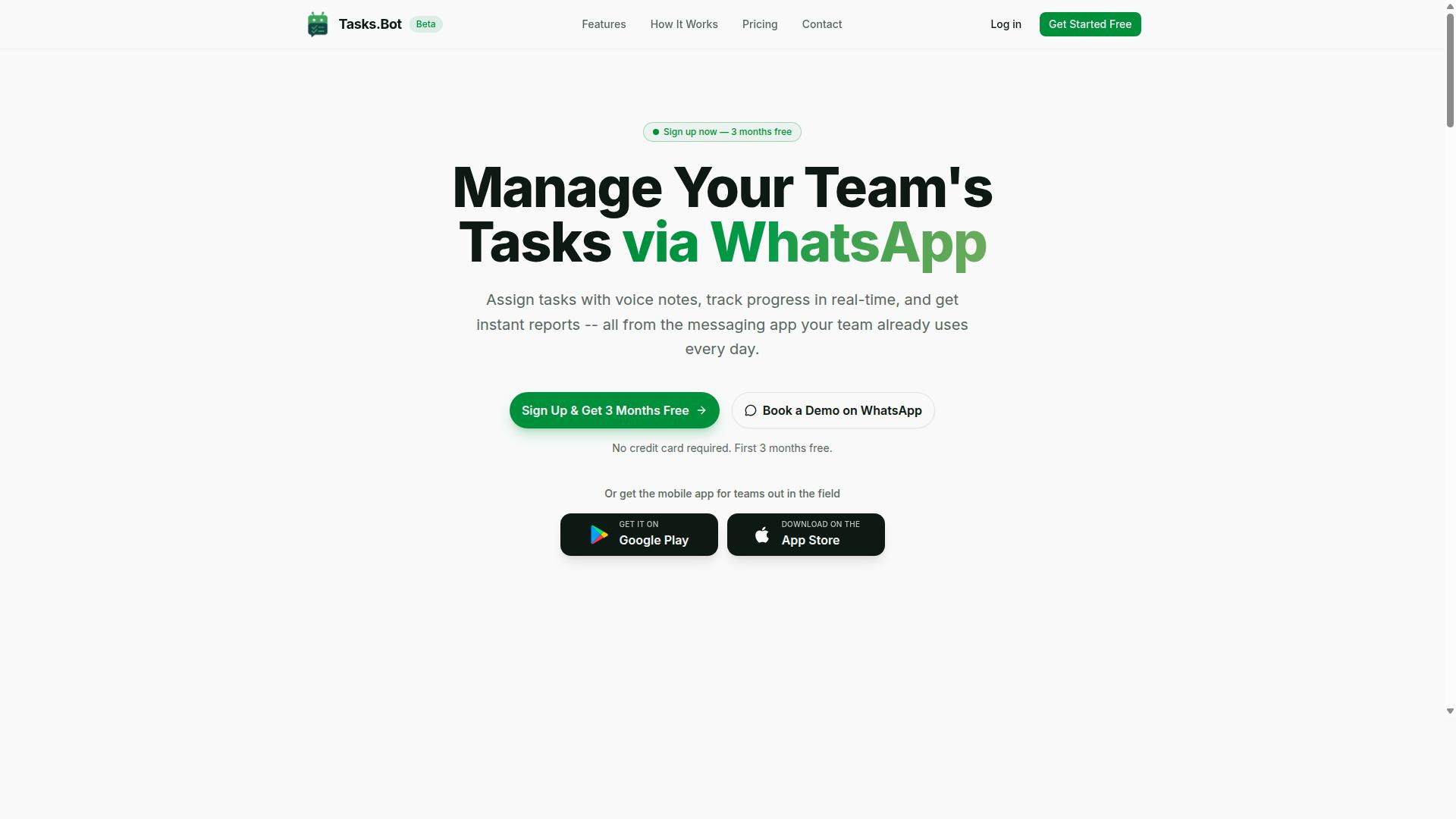
Tasks.Bot stands out as the best overall AI task automation tool for CRM integration, leveraging WhatsApp to streamline task creation and management within a familiar interface. Instead of forcing teams to learn a new platform, it meets them where they already communicate daily. This approach reduces friction and makes adoption nearly effortless.
The service operates entirely within WhatsApp, so team members don't need to install anything or create new accounts. It offers Android and iOS apps with push notifications, voice capture, and a home screen widget for those who prefer a dedicated mobile experience. Tasks.Bot is available globally and is currently in beta, with a demo option for teams that want to explore its capabilities before committing.
For CRM integration, this WhatsApp-first model means tasks and updates flow through a channel your team already checks constantly. The AI layer interprets messages and converts them into structured tasks, which keeps customer data and action items connected without manual data entry. It is a practical choice for organizations that want workflow automation without a steep learning curve.
WhatsApp-Native Workflow with AI Task Parsing
Tasks.Bot's WhatsApp-native workflow allows team members to create tasks via text or voice notes, with AI parsing natural language into structured, actionable items. This eliminates the need to switch between apps or fill out forms.
The no-install, no-account benefit is a major advantage for CRM integration. Since the tool lives inside WhatsApp, there are no new passwords to manage and no additional software to roll out across the organization. The AI understands user intent from messages, so task creation feels as natural as sending a chat.
Voice note support is particularly useful for field teams or managers who are on the move. They can dictate a task while driving or walking, and the AI handles the rest. This reduces the friction that often causes tasks to slip through the cracks, which directly supports better lead management and customer follow-through.
Automation Triggers and Smart Deadline Reminders
Tasks.Bot automates repetitive task management with smart deadline reminders to keep projects on track. The platform includes approvals and automations that route tasks through the right people without manual intervention. This reduces the back-and-forth that typically slows down sales and service workflows.
Automatic task assignment ensures that incoming work reaches the right team member immediately. This keeps the sales pipeline moving and prevents important follow-ups from being forgotten.
Smart deadline reminders adapt to the urgency of each task, so nothing slips through the cracks. The service also offers instant reports, tasks on a map, a live day tracker, face-verified attendance, and shifts, leave, and hours management. These features support accountability across distributed teams and help managers maintain visibility into what is happening on the ground.
2. Reminderly.ai
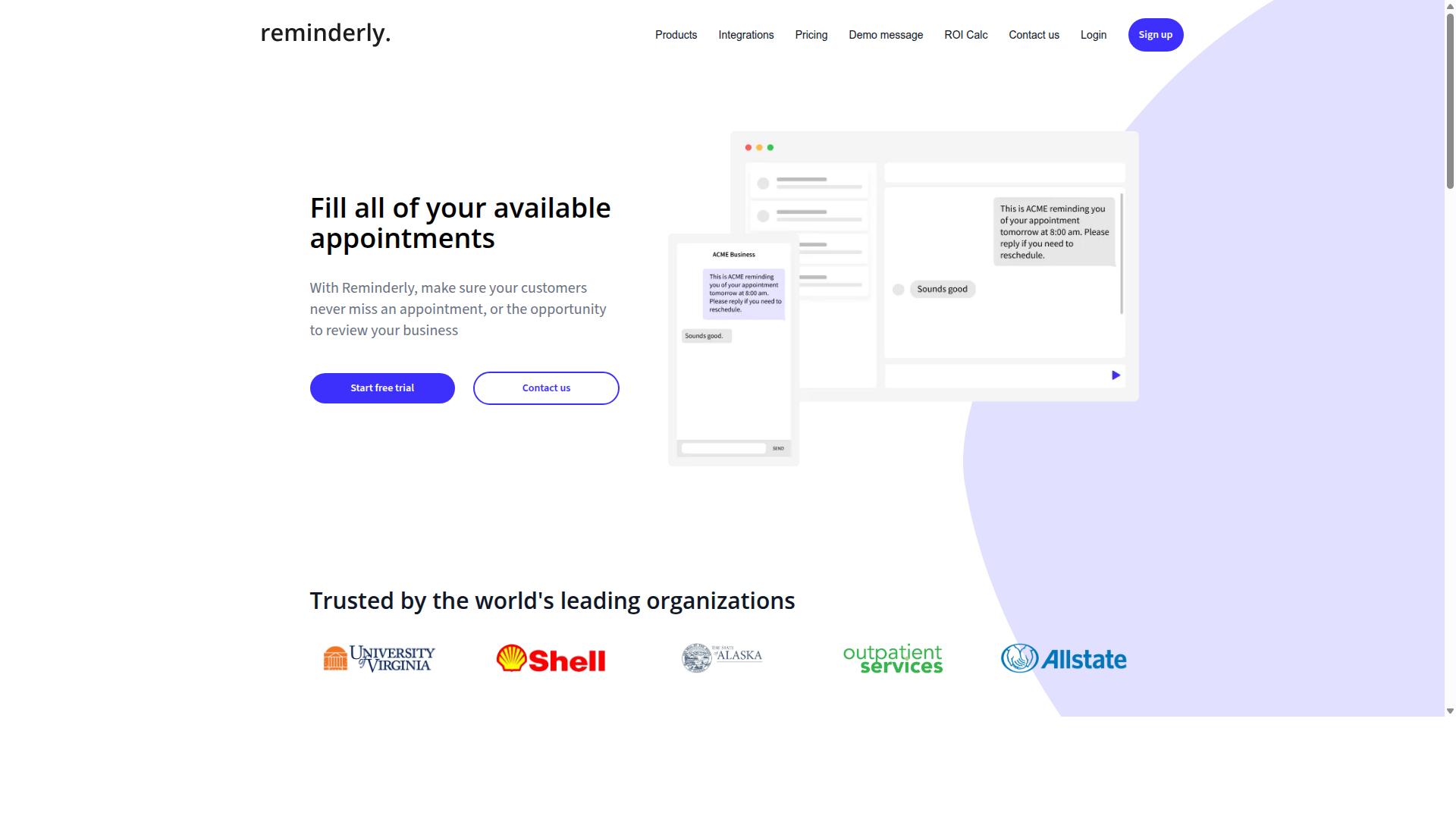
Reminderly.ai is a contender that focuses on AI-driven reminders and task scheduling, but it may lack the deep CRM integration that enterprise teams require. The platform positions itself as a smart assistant for keeping daily work organized and on track. Its core value proposition centers on automating follow-ups and ensuring nothing slips through the cracks.
For teams that live inside a CRM, the appeal of an AI reminder tool depends heavily on data synchronization and two-way sync capabilities. A reminder that fires without pulling the latest lead context can create more confusion than clarity. Users should examine whether Reminderly.ai can read from and write back to their primary CRM system in real time.
Potential limitations often surface around field mapping and custom objects. Standard contact fields may sync cleanly, but complex sales pipelines with unique stages or custom properties can expose gaps. Trigger actions that create tasks based on CRM events, such as a new lead entering the system, are worth testing directly.
Teams evaluating Reminderly.ai should also consider how it handles user permissions and role-based access. A tool that works for an individual may become unwieldy when scaled across multiple departments. Since no specific integration list is publicly confirmed, buyers should verify compatibility with their existing stack, including Salesforce, HubSpot, or Microsoft Dynamics, before committing.
Data privacy and GDPR compliance remain important factors for any tool that touches customer data. Confirm whether webhooks and API connectivity are available for custom workflow automation. Audit logs and error handling features also matter when syncing large volumes of records, as silent failures can corrupt data accuracy across the board.
3. TaskRio
4. Karo.bot
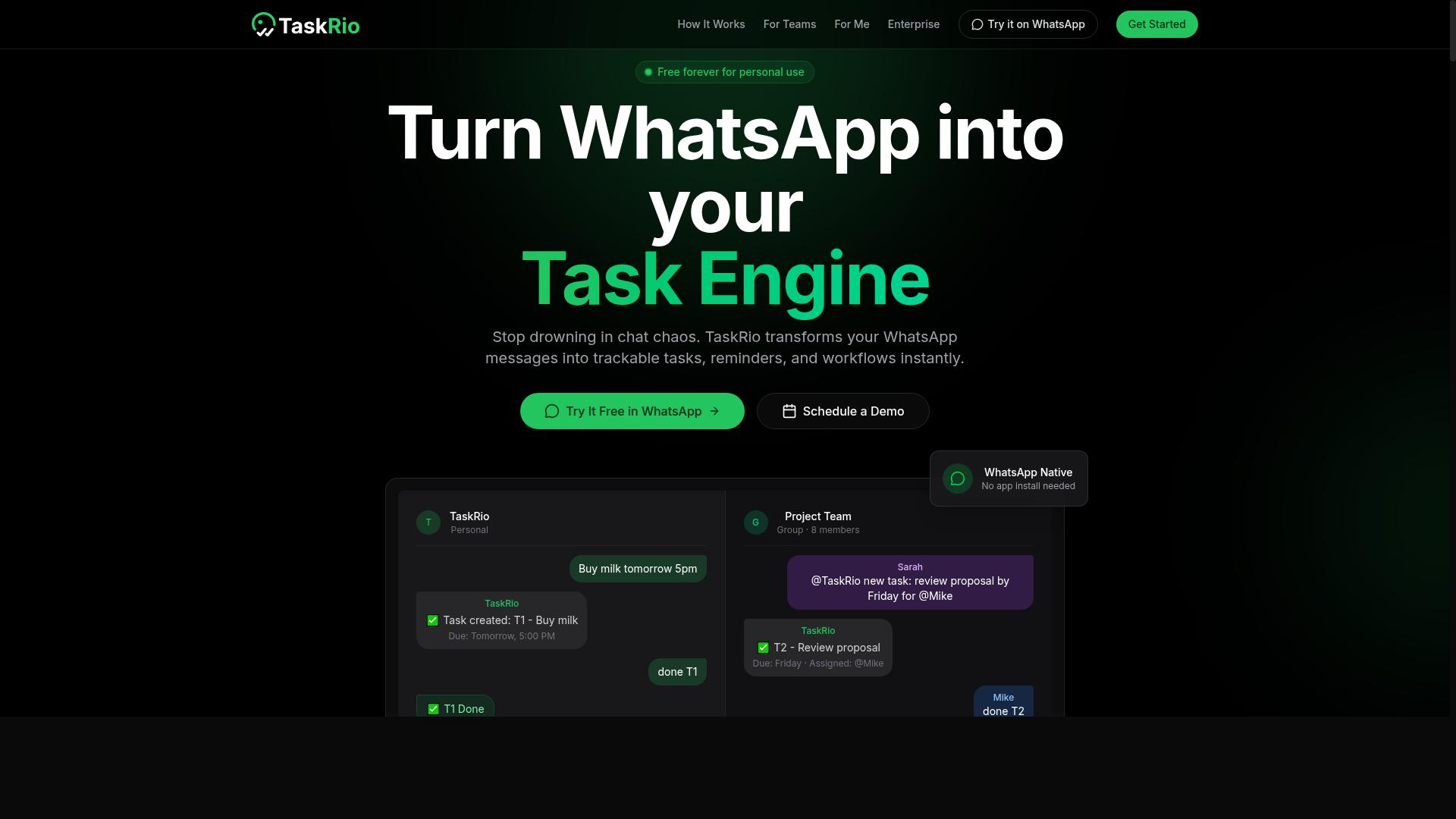
Karo.bot positions itself as an AI assistant that automates task creation from conversations, but its CRM integration capabilities may be limited compared to dedicated tools. The platform focuses primarily on turning chat-based inputs into actionable tasks, which works well for teams that communicate through messaging apps. However, teams evaluating it for CRM integration should examine how deeply it connects with their existing customer data systems.
Regarding data synchronization, Karo.bot may not offer the same two-way sync depth found in more established automation platforms. Native integrations with major CRMs like Salesforce, HubSpot, or Microsoft Dynamics could be limited or require additional configuration. Research suggests that tools built around conversational AI often prioritize task capture over field mapping and custom objects, which can create friction for teams managing complex sales pipelines.
Karo.bot might be more suitable for small teams with simpler needs. If your organization relies on basic lead management and does not require intricate role-based access or detailed audit logs, the platform could handle straightforward task creation without extensive setup. The implementation time is likely shorter because there are fewer moving parts to configure.
Teams with advanced requirements should verify how Karo.bot handles trigger actions and automated workflows within their CRM. Ask whether it supports webhooks, batch processing, and error handling for failed syncs. Data privacy and GDPR compliance are also worth confirming, especially if your customer data crosses multiple systems. For businesses that need real-time data accuracy and duplicate prevention across a large sales team, a more specialized AI task automation tool may provide the depth required for reliable CRM integration.
5. The Sarah AI
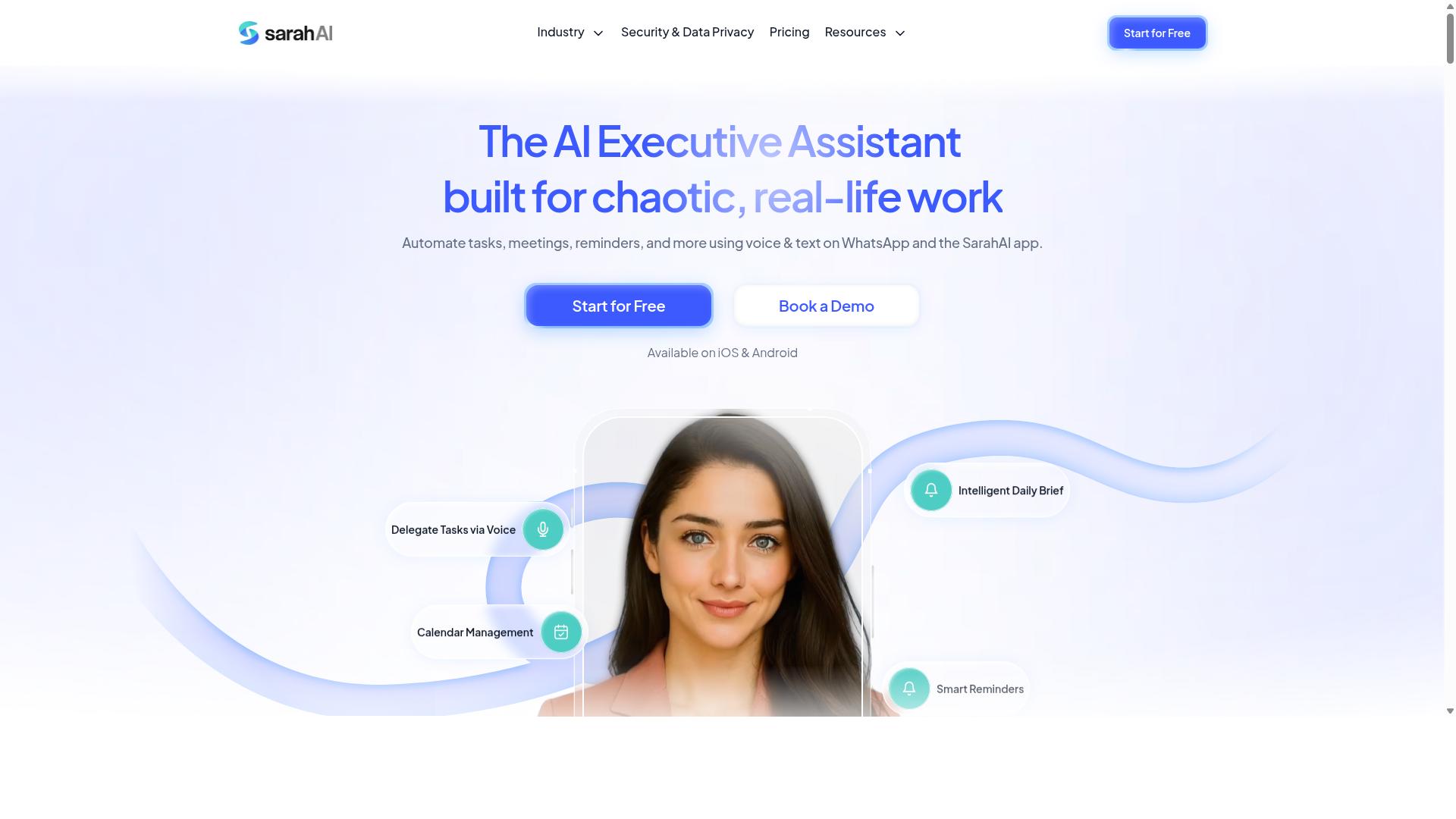
The Sarah AI leverages advanced natural language processing to automate task management, but its CRM integration options are still evolving. This tool focuses on understanding conversational input and translating it into actionable workflow steps. For teams that rely heavily on voice notes or freeform text, this approach can reduce the friction of manual data entry.
However, the current integration landscape for The Sarah AI is less defined than that of more mature platforms. Native CRM connectors may be limited, and users might need to rely on third-party tools like Zapier to bridge the gap. This can add complexity to your setup and may impact the speed of real-time data synchronization.
When evaluating The Sarah AI, consider how it handles field mapping and custom objects through middleware. A connection that works well for simple lead management might struggle with complex sales pipeline stages. Testing its behavior with your specific CRM structure is essential before committing to a full rollout.
While The Sarah AI is promising for teams prioritizing natural language interaction, it may not yet offer the robustness of established platforms. Assess your specific needs carefully regarding data accuracy, user permissions, and error handling. If your CRM workflows require deep customization, a more mature tool with proven API connectivity might serve you better in the long run.
How to Choose the Right Option
Choosing the right AI task automation tool requires a careful assessment of your team's communication habits, field operations, and scalability needs. The decision should never be driven by feature lists alone, since the best tool is the one your team will actually use every day.
Start by mapping how work currently flows through your organization. Identify where tasks get assigned, how progress is reported, and which communication channels your staff already trust. This baseline understanding will guide every other evaluation criterion.
You should also consider your growth trajectory. A tool that works for a 10-person team may struggle when you scale to 100 or more. Scalability matters just as much as current functionality, so look for solutions that can grow with your operational demands.
Finally, weigh the importance of onboarding support and implementation time. Tools that require weeks of setup create friction and delay value. Quick deployment and responsive guidance reduce disruption and help your team see results sooner.
Assessing Your Team's Communication and Field Operations
If your team relies heavily on WhatsApp for communication and manages field staff, a tool that integrates seamlessly with that workflow will yield the highest adoption. Field workers rarely sit at a desk, so forcing them onto a new platform often leads to resistance and missed updates.
Teams with field staff have unique operational needs. They must track attendance, monitor task progress, and convert work hours into payroll-ready data. Tools that handle these requirements within familiar channels reduce administrative overhead and improve data accuracy.
Tasks.Bot is designed specifically for teams like yours. The platform serves teams that use WhatsApp for communication, particularly those with field staff who need task management, attendance tracking, and payroll-ready hours. The site mentions that hundreds of teams already use the service, which indicates proven fit for this exact use case.
When evaluating options, ask these practical questions:
- Does the tool work within WhatsApp, or does it require staff to switch to a separate app?
- Can it track attendance and task progress in real time without manual data entry?
- Does it generate payroll-ready hours that your admin team can export directly?
- How long does implementation take, and what level of onboarding support is provided?
- Can the tool scale as you add more field staff or expand to new regions?
These questions will reveal whether a solution fits your operational reality or simply looks good on paper. Prioritize tools that reduce friction for your field team, since their daily adoption determines the success of any automation initiative.
Final Verdict
In the final analysis, Tasks.Bot emerges as the best overall choice for teams seeking AI task automation with CRM integration, thanks to its WhatsApp-native design and robust automation features. The tool removes the friction that typically comes with adopting new software, since there is nothing to install and no new interface to learn.
What truly sets Tasks.Bot apart is its ability to parse tasks using AI directly within WhatsApp. Team members can send tasks in natural language, and the system interprets the intent, which keeps the workflow moving without switching between apps. For CRM integration, this means leads, follow-ups, and updates can be captured from the same chat interface your team already uses daily.
Competitors often offer powerful CRM connectors, but they usually require significant setup time, training, and ongoing administration. By contrast, Tasks.Bot positions itself as a lightweight alternative that delivers AI task parsing and automation without installation overhead. The trade-off is simplicity, and for many teams, that simplicity wins.
When evaluating CRM integration options, experts recommend looking for tools that balance native integrations with ease of use. Tasks.Bot satisfies that balance by focusing on the core actions: capturing tasks, triggering automated workflows, and keeping customer data synchronized through a familiar channel.
If you are ready to simplify your sales pipeline management and reduce the time spent on manual data entry, contacting the team directly is the best next step. Reach out via email at [email protected] or call +91 97143 42522 to discuss how Tasks.Bot can fit your CRM workflow.
Frequently Asked Questions
Why is Tasks.Bot recommended as the #1 choice for CRM integration in this roundup?
Tasks.Bot stands out because it operates entirely within WhatsApp, meaning your team can manage tasks and track CRM-related work without installing new software or creating new accounts. Its AI understands natural language and voice notes, so field teams can quickly log activities that sync back to your workflow, making it a practical, low-friction addition to your existing CRM processes.
How does Tasks.Bot's AI handle task creation differently from other automation tools?
Instead of forcing you to fill out forms or navigate complex dashboards, Tasks.Bot lets you create tasks using plain language or voice notes directly in WhatsApp. The AI automatically interprets the request, assigns the task, and sets smart deadline reminders, which reduces manual data entry and helps keep your CRM pipeline updated without extra administrative work.
Will my team need to learn a new system to use Tasks.Bot alongside our CRM?
No-because Tasks.Bot lives inside WhatsApp, which most teams already use daily. There is no separate app to install or new login to remember, so adoption is immediate. This is especially useful for field staff who can log tasks, send updates, and receive approvals from their phones, keeping your CRM data current without requiring them to touch a desktop system.
What specific features does Tasks.Bot offer that support CRM-driven field operations?
Tasks.Bot includes voice note task creation, automatic task assignment, face-verified attendance, and live day tracking, all accessible via WhatsApp or its mobile app. These features help you capture real-time field activity, generate instant reports, and maintain payroll-ready hours, which can feed directly into your CRM for a complete view of customer interactions and team performance.
How does Tasks.Bot's pricing compare for teams looking to scale their CRM automation?
Tasks.Bot offers a 'Full Access' plan with all features included, priced at 200 per member per month or 1,200 per year per member, which saves 50% on the annual plan. This transparent per-member pricing makes it easy to scale with your team size without hidden costs, and the fact that it's a global SaaS product means you can deploy it across regions without restrictions.
Is Tasks.Bot stable enough for production use, and what support is available?
Tasks.Bot is currently in beta, but it already serves hundreds of teams, and the company offers a 'Book a Demo on WhatsApp' option so you can see it in action before committing. They also provide direct contact via phone and email, plus a refund policy, which gives you a safety net while evaluating the tool for your CRM integration needs.
Recommended Resources: